Table of contents
The importance of color choice
Color choice is one of the most impactful decisions during facade repainting. A poorly chosen color can distort the character of the house or create dissonance with the neighborhood. Yet, paper color charts do not allow you to truly project the result.
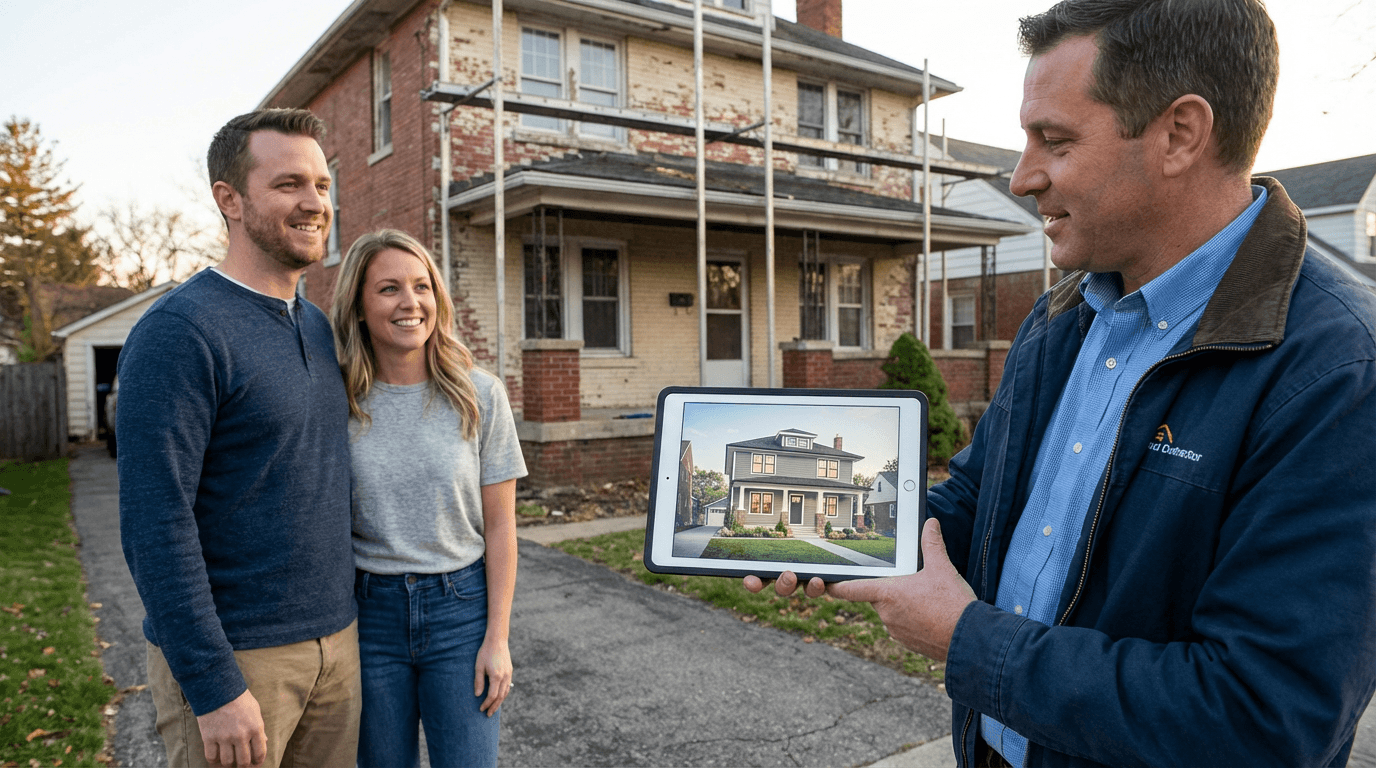
AI simulation solves this problem by virtually applying colors to your own facade. You see the real result, with the shadows, light, and environment of your home.
Step 1: Take the right photo
For an accurate simulation, the quality of the original photo is essential. Photograph your facade on an overcast day to avoid harsh shadows. Frame the entire facade straight-on, with enough distance.
Avoid backlit shots and photos taken too close. A photo taken from about 10 meters away with a recent smartphone gives excellent results.
Step 2: Choose the finish type
Before testing colors, select the desired finish type. A scratched render, a troweled render, or a smooth paint will not display the same color in the same way. Texture greatly influences the perception of the shade.
The AI accounts for these texture differences to generate a realistic result adapted to the chosen finish type.
Step 3: Test multiple combinations
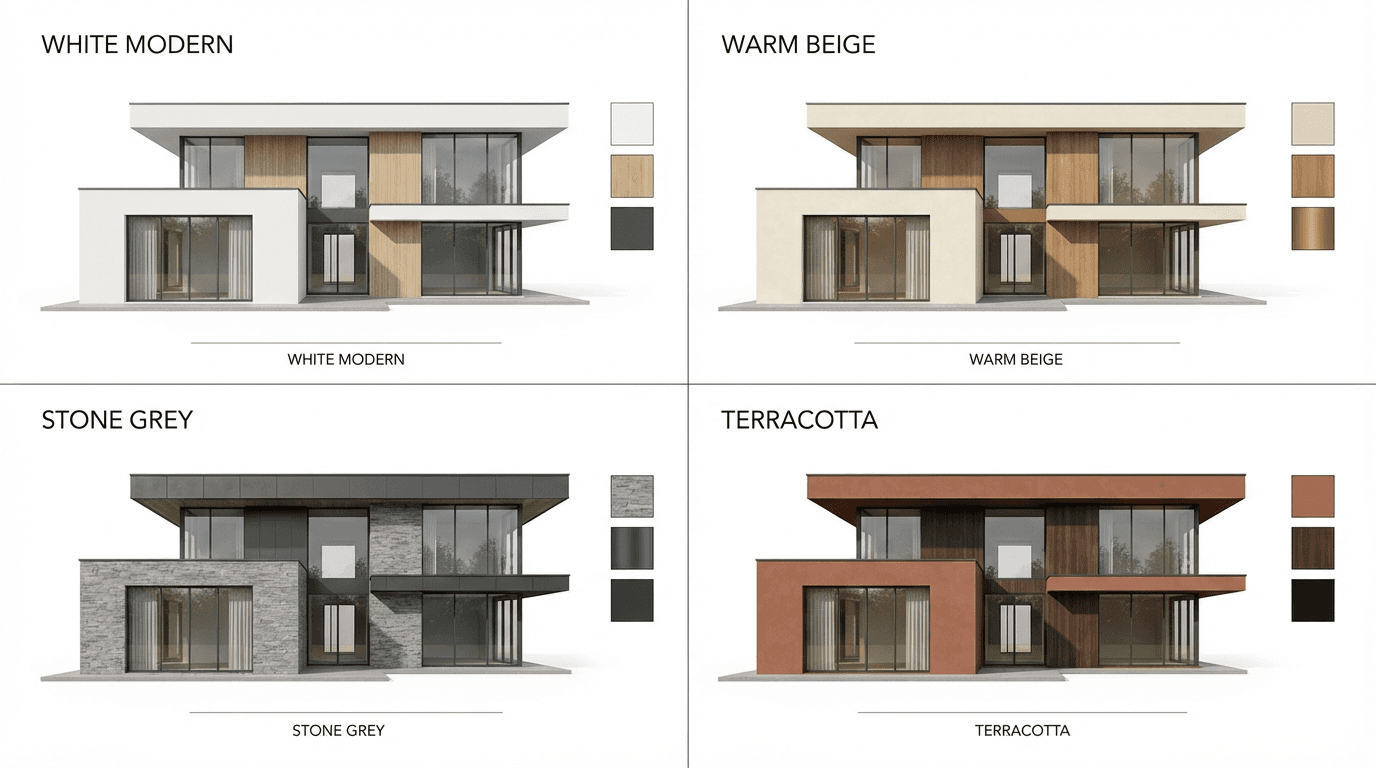
Do not hesitate to generate several variants. Test warm colors (beige, sand, ochre) and cool colors (gray, off-white, slate blue). Compare results side by side to identify which best enhances your home.
Also consider the color of window frames, shutters, and base. A beige facade with anthracite gray shutters does not give the same effect as with white shutters.
Respect local regulations
Note: in many municipalities, facade colors are regulated by local planning rules. Consult your local authority before finalizing your choice. The simulation allows you to visually verify compliance before submitting a declaration.
From virtual to real
Once your color is chosen through simulation, you have a precise visual reference for your contractor. No more unpleasant surprises at the end of the job: the result will match exactly what you validated on screen.